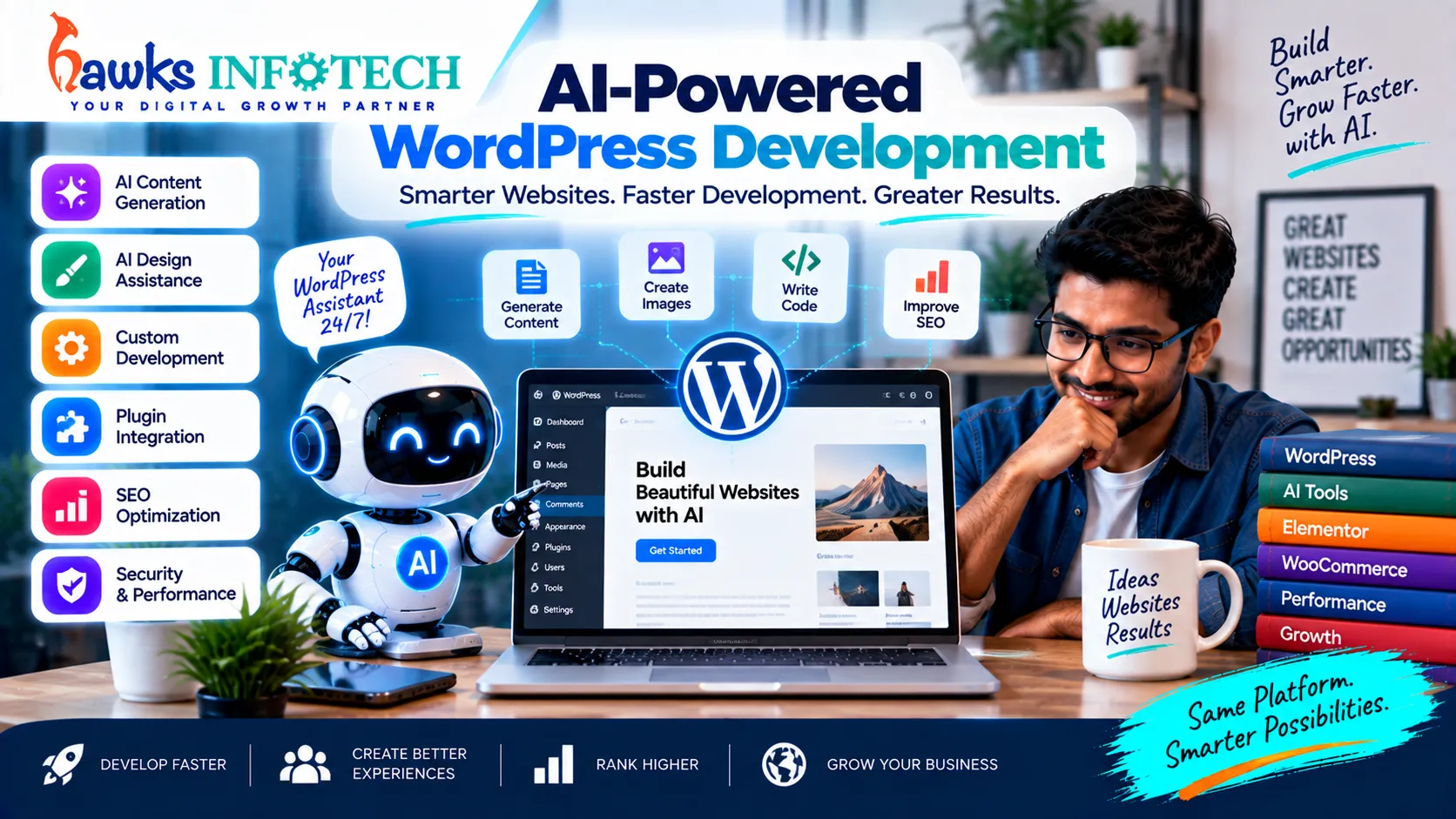
Powering over 40% of the world's web, WordPress remains the backbone of internet publishing and commercial commerce. Yet for over a decade, WordPress suffered from widespread criticism: bloated third-party plugins, sluggish database queries, brittle update cycles, and frequent security vulnerabilities. In 2026, AI-powered WordPress development has completely revitalized the platform—enabling engineering teams to eliminate plugin bloat, generate bespoke Gutenberg blocks on demand, and automate proactive maintenance with surgical precision.
The Lean CMS Revolution
Instead of installing 45 heavy third-party plugins, modern developers use AI to generate lightweight, native custom code blocks and lean database queries.
Uncompromised Speed
AI-optimized WordPress builds regularly score 98+ on Google PageSpeed Insights, ensuring top rankings in both traditional search and AI Overviews.
Supporting Deep-Dive Guide
Master Pillar: How AI Is Changing Website Development in 2026
Table of Contents
Direct Answer: How does AI improve WordPress development?
AI streamlines WordPress development by: 1) Automatically writing bespoke Gutenberg blocks in React without bloated visual builder plugins, 2) Replacing heavy add-ons with lightweight native PHP snippets, 3) Automating database defragmentation and image optimization, 4) Predicting plugin update conflicts in isolated staging environments, and 5) Ensuring your content structure is fully optimized for AI search engines.
1. The Transformation of WordPress in 2026: The Clean Code Era
For years, non-technical site builders relied on heavy drag-and-drop page builders like Elementor or Divi. While these tools offered visual design convenience, they injected thousands of lines of nested <div> tags and bloated CSS stylesheets, severely harming page speed and mobile responsiveness.
In 2026, the industry has migrated to Block-Based WordPress Engineering accelerated by artificial intelligence. By leveraging generative models trained on modern WordPress core APIs, developers can construct tailor-made themes and custom components that execute with native server-level speed.
This architectural shift perfectly mirrors the broader technical evolution explored in how AI is changing website development in 2026 and the development workflows powered by AI coding tools for developers.
2. Generating Custom Gutenberg Blocks with AI
Building custom Gutenberg blocks traditionally required substantial React and WordPress Block API expertise. Today, developers use AI coding environments to generate production-ready blocks in minutes:
- Prompt-to-Block Architecture: Developers describe the component: "Create an interactive pricing comparison block with monthly/annual toggle, custom icon pickers, and dynamic button links."
- Clean React & PHP Output: The AI produces the complete
block.jsonmetadata, React edit component, and clean PHP server-side render template. - Zero Plugin Overhead: The block operates within native WordPress core without requiring bloated external framework plugins.
3. Eliminating Plugin Bloat with Native AI Code Snippets
Every third-party plugin added to a WordPress installation introduces external HTTP requests, security vulnerabilities, and potential database locking. In 2026, developers routinely replace common single-purpose plugins with lightweight, AI-generated code:
Custom Post Types & Taxonomies
Replaces heavy UI plugins with 40 lines of lean, native PHP registered directly in functions.php.
Dynamic Schema Injection
Replaces generic SEO plugins with automated JSON-LD generators tailored to custom enterprise schemas.
Lightweight Form Processing
Replaces database-heavy form plugins with streamlined REST API endpoints and native anti-spam validation.
4. Automated AI Maintenance, Staging Tests, & Visual Regression
Updating WordPress core and plugins used to be a nerve-wracking gamble: would an update break the checkout page or crash the layout?
In 2026, AI-powered hosting platforms execute Automated Visual Regression Testing:
- The platform clones your live site into an isolated staging container.
- It applies pending plugin and core updates.
- An AI vision model crawls hundreds of pages, comparing pixel-by-pixel snapshots against the live website to detect layout shifts or broken styles.
- Automated headless browser scripts execute test purchases and form submissions.
- Only after 100% verification does the update deploy to production without downtime.
5. Hardening WordPress Security with Neural Threat Detection
Because WordPress powers so much of the web, it represents a frequent target for automated brute-force attacks and credential stuffing. AI security firewalls deployed in 2026 analyze visitor behavior patterns rather than static IP blacklists:
- Behavioral Anomaly Detection: Instantly blocks automated scrapers that navigate pages with superhuman speed or attempt rapid-fire form fills.
- Virtual Patching: When a vulnerability is disclosed in a WordPress plugin, AI Web Application Firewalls (WAF) apply virtual rule patches at the edge server within minutes, protecting your site before the plugin author even releases an official update.
- Automated Malware Disinfection: Neural scanners identify obfuscated PHP backdoors and neutralize corrupted files automatically.
6. The Enterprise AI WordPress Development Workflow
7. Frequently Asked Questions
Can AI write custom WordPress plugins safely?
Yes, but the code must be reviewed by an experienced WordPress developer. AI tools excel at structuring the plugin hooks (actions and filters) and creating admin options, but proper sanitization (`sanitize_text_field`), nonce verification, and capability checks (`current_user_can`) must be manually audited to prevent security exploits.
Is WordPress still better than modern headless static site generators?
For content teams requiring rapid publishing, intuitive media management, and multi-user editorial workflows, WordPress remains superior in user-friendliness. By combining WordPress with AI performance optimization, you achieve both editorial ease and static-like speed.
How do I reduce my current WordPress website's plugin count?
Audit your active plugins with a developer. Small utility plugins (for Google Tag Manager, custom headers, simple redirect management, or basic CSS tweaks) can easily be consolidated into a single lightweight site-specific mu-plugin using AI-generated PHP snippets.
Topical Cluster: AI Website Development & Engineering
Explore the complete interconnected network of pillar guides and specialized deep-dive articles in this domain:

How AI Is Changing Website Development in 2026
Explore the comprehensive master guide that unifies all AI Website Development & Engineering strategies.

