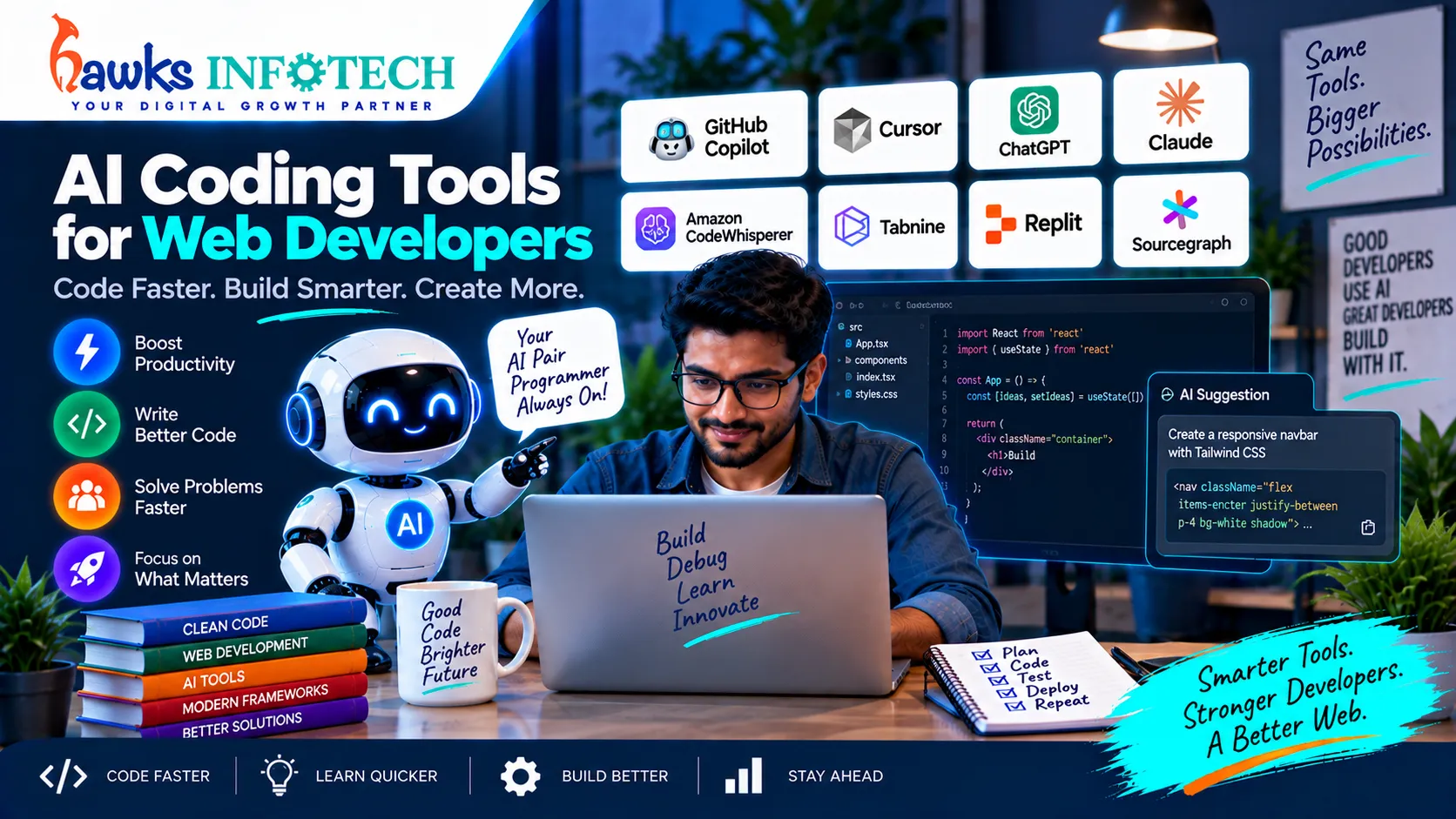
Software engineering has moved far beyond the era of manual line-by-line typing. In 2026, professional web developers function as orchestrators, pairing their architectural vision with autonomous AI coding agents. From intelligent IDEs that refactor complex full-stack repositories across dozens of files simultaneously to generative UI platforms that output reactive components in seconds, AI coding tools have become the essential foundation of modern web engineering.
Productivity Lift
Engineers using dedicated AI coding assistants report writing 45% to 55% more clean code per sprint while reducing manual debugging cycles by half.
Quality Assurance
Automated test generation and lint verification ensure that AI-assisted code meets strict security standards before merging into production.
Supporting Deep-Dive Guide
Master Pillar: How AI Is Changing Website Development in 2026
Table of Contents
Direct Answer: What are the top AI coding tools for web developers?
In 2026, the essential AI coding stack includes: Cursor (the premier AI-native code editor for multi-file refactoring), GitHub Copilot Workspace (for repository-wide issue resolution), v0 by Vercel (for rapid generative UI component scaffolding), Claude 3.7 / Sonnet (for complex back-end architecture and debugging), and Supermaven (for ultra-fast inline code completion).
1. The Evolution of Developer Tooling: From Auto-Complete to Autonomous Agents
First-generation AI coding tools behaved like glorified tab-completion engines: they predicted the next few characters of a function definition. In 2026, developer tools have evolved into autonomous context-aware software agents.
Modern developer environments index your entire repository—understanding your database schemas, internal helper functions, component libraries, and API routes. When an engineer prompts: "Refactor the checkout controller to support Stripe webhook signature verification and store idempotent invoice records," the AI agent navigates across multiple files, generates the requisite migrations, updates the route definitions, and drafts the automated unit tests in a single command.
This technological leap underpins how modern engineering studios build custom website development architectures in a fraction of legacy timelines.
2. Top 5 AI Coding Tools Evaluated
1. Cursor (The AI-Native Code Editor)
Top Pick for Full-Stack TeamsA fork of VS Code engineered from the ground up for generative development. Cursor indexes your codebase into local vector embeddings, allowing developers to query, edit, and refactor across dozens of project files simultaneously via Composer mode.
2. GitHub Copilot & Copilot Workspace
Best Enterprise IntegrationDirectly connected to GitHub repositories, Copilot Workspace takes a GitHub Issue, plans the architectural implementation, drafts code changes across the branch, and submits a verified pull request for engineer review.
3. v0 by Vercel
Best for Front-End UI ScaffoldingA generative user interface platform that accepts natural language prompts and outputs responsive React, Tailwind CSS, and Shadcn UI code. Developers can inspect, iterate, and copy clean JSX components directly into their design system.
3. Full-Stack Tool Comparison Matrix
| Tool | Primary Domain | Context Awareness | Pricing Model |
|---|---|---|---|
| Cursor | Full IDE (Full-Stack) | Entire Project Repository | Free / $20 / mo |
| GitHub Copilot | VS Code / JetBrains / Git | Repository & PR history | $10 – $19 / user / mo |
| v0 (Vercel) | Front-End UI & Design Systems | Component-level prompts | Free / $20 / mo |
| Claude 3.7 Sonnet | Complex Logic & Algorithms | 200k+ token window | API tokens / $20 / mo |
4. Front-End Component Generation with v0 and Bolt.new
Building responsive web components historically consumed 60% of front-end development hours. With tools like v0 and Bolt.new, engineers specify exact layout requirements in conversational prompts:
Prompt: "Build a responsive pricing comparison table for a managed IT support company.
Include 3 tiers: Essential, Professional, and Enterprise.
Highlight the Professional plan with a high-contrast badge.
Use Tailwind CSS and semantic table elements with accessible ARIA labels."
Within seconds, the platform outputs fully functional code that developers can paste into their custom build systems or integrate into WordPress custom theme templates.
5. Automated Testing & Security Auditing
Writing comprehensive unit tests is historically one of the most neglected aspects of web development. AI coding assistants excel at analyzing existing controller functions and automatically generating robust test suites (using Jest, PHPUnit, or Cypress) covering edge cases:
- Testing null database returns and server connection timeouts.
- Simulating malicious payloads (SQL injection strings, cross-site script injections).
- Verifying that authentication middleware strictly rejects unauthorized token states.
6. Best Practices for Professional Teams
- Never Blindly Commit AI Output: Treat AI code as a first-draft proposal from an eager junior developer. Conduct mandatory peer reviews before production merges.
- Sanitize API Keys & Secrets: Ensure
.envcredentials and proprietary client tokens are never sent to third-party model inference APIs. - Standardize Team Prompts & Linters: Maintain a shared repository of engineering prompt templates and strict ESLint/Prettier rules to prevent style divergence.
7. Frequently Asked Questions
Are AI coding tools safe for proprietary commercial software?
Enterprise plans for tools like GitHub Copilot and Cursor include strict data privacy guarantees: your proprietary codebase is not retained or used to train public models. Always review your vendor's enterprise privacy agreement before onboarding.
Which AI model writes the most accurate web development code?
In 2026, Anthropic's Claude 3.7 Sonnet and OpenAI's o1/GPT-4o series share industry leadership. Claude excels at nuanced, multi-file architectural refactoring, while OpenAI models excel at rapid single-file syntax completion and automated unit testing.
Can beginner web developers learn to code using AI assistants?
Yes, but with caution. Beginners who use AI to explain complex code snippets and breakdown syntax errors learn rapidly. However, relying on AI to solve problems without understanding the underlying logic creates severe knowledge gaps.
Topical Cluster: AI Website Development & Engineering
Explore the complete interconnected network of pillar guides and specialized deep-dive articles in this domain:

How AI Is Changing Website Development in 2026
Explore the comprehensive master guide that unifies all AI Website Development & Engineering strategies.

