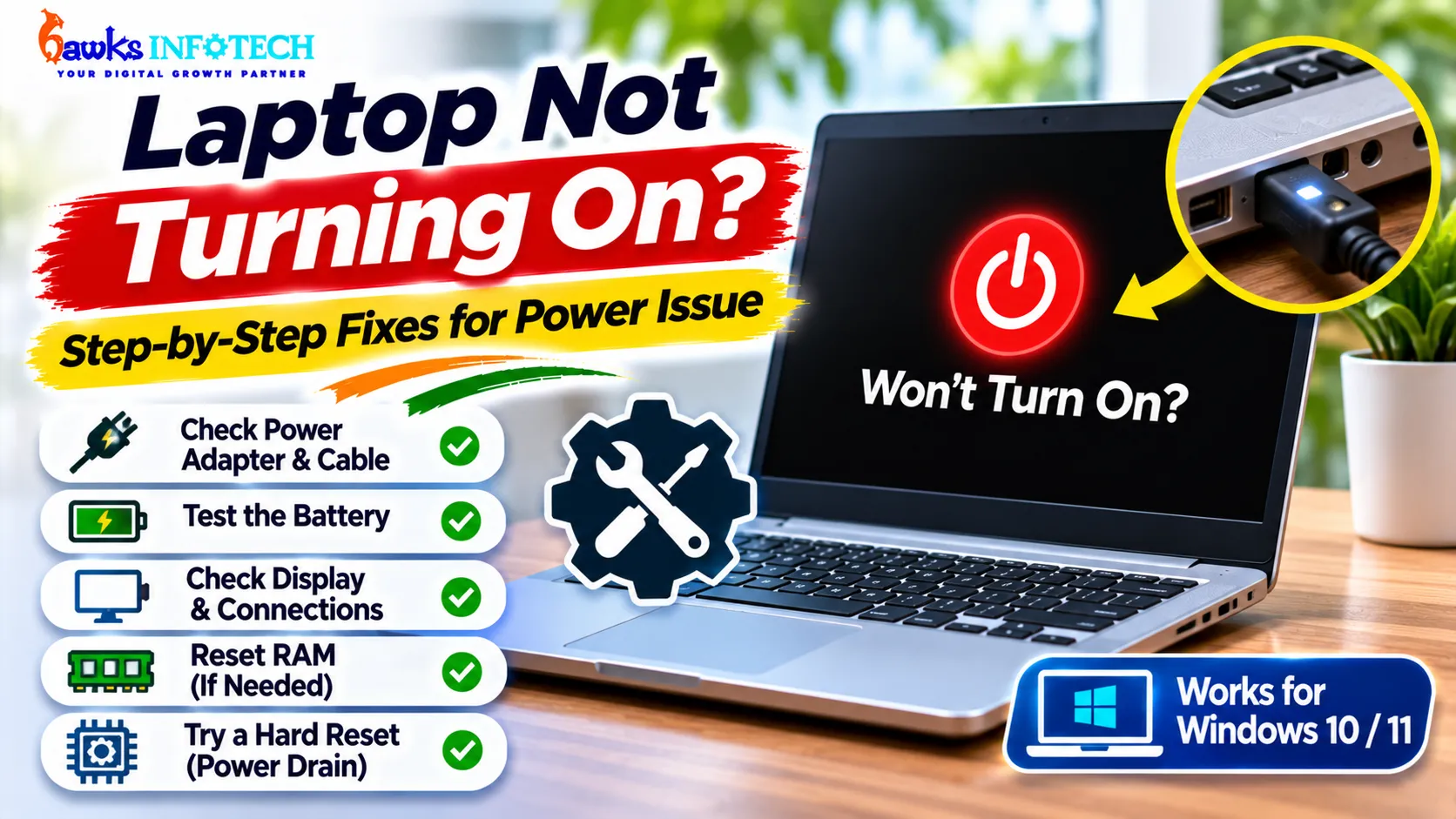
When a laptop fails to turn on and the power button does nothing, the issue typically stems from residual capacitive charge, a dead AC adapter, a discharged battery, oxidized RAM contacts, or a blown motherboard power rail fuse. Over 40% of non-starting laptops brought to Hawks Infotech workbench in Palam are restored through a simple hard reset and RAM contact cleaning.
The Hard Reset Fix
Before assuming your motherboard is dead, perform a 30-second power drain with the charger disconnected. Trapped static charges on motherboard capacitors frequently lock out the power controller IC.
Free Bench Check
Bring your laptop to our Palam Colony workbench for free in-person testing with our regulated bench power supply. We serve Dwarka, Janakpuri, Sagarpur, and Nasirpur daily.
Table of Contents
1. The 30-Second Hard Reset (Clearing Static Capacitive Charge)
Pressing the power button and receiving zero response—no fan spin, no LED indicator, no screen glow—is terrifying, but it often does not mean hardware failure. Laptops contain numerous power management capacitors that regulate energy distribution. If a power surge, static electricity discharge, or improper shutdown occurs, residual charge can trap the Super I/O embedded controller in a locked state.
Perform this exact hard reset sequence first:
- Disconnect the AC power adapter cord from your laptop.
- Disconnect all external peripherals: USB mouse, flash drives, external monitors, and headphones.
- If your laptop has a removable external battery, unlatch and slide it out. (For non-removable internal batteries, skip this step).
- Press and hold down the physical power button continuously for 30 to 40 seconds. Keep holding—this forces all residual current to bleed off the motherboard capacitors to ground.
- Release the power button. Connect only the AC charger directly into the wall outlet (do not insert the battery yet).
- Press the power button once normally. In roughly 40% of cases, the laptop will boot right back up.
2. Testing Charger vs Battery vs DC Charging Jack
If the hard reset does not revive the laptop, isolate the incoming electrical path:
- The AC Adapter LED: Look at the small indicator light on your charger brick. If the light is dark, your power cord or adapter is dead. If the light stays on while unplugged from the laptop, but immediately turns off the second you plug it into the laptop, your motherboard has a short circuit on the 19V rail that is triggering the charger's safety cutout. (See our guide on laptop not charging causes and fixes).
- DC Jack Physical Damage: Inspect the laptop's charging socket. On older HP and Dell laptops, the central plastic needle frequently snaps off, preventing the charger from making contact. If the pin is loose or wobbles, a ₹650–₹1,200 DC jack replacement is all that is required.
- The Internal Battery Lockout: If an internal lithium-polymer battery drops below 5% critical voltage or suffers a dead cell, its internal battery management system (BMS) chip can short the power rail to protect against thermal runaway. Disconnecting the internal battery ribbon and testing on charger alone will confirm this immediately.
3. RAM Oxidation: The #1 Silent Cause in Delhi's Climate
Delhi's combination of heavy atmospheric dust and seasonal monsoon humidity creates micro-oxidation on the gold-plated contact pins of RAM modules. When the BIOS runs its Power-On Self Test (POST) and cannot verify the memory bus, it aborts initialization. The power light may turn on for 5 seconds and switch off, or the fan may spin with a persistent black screen.
How to Clean RAM Contacts:
Unscrew the bottom panel, ground yourself against metal, release the side retention clips of the RAM module, and pull it out at a 30-degree angle. Take a clean white stationery rubber eraser and gently clean the gold contacts on both sides until bright gold luster returns. Wipe away eraser debris with isopropyl alcohol (IPA), firmly reseat the module until both clips click, and test powering on.
4. Deciphering LED Blink Codes and Beep Patterns
Modern laptops communicate hardware fault codes through flashing charging LEDs or Caps Lock keys:
- Dell Laptops: Dell uses alternating amber and white flashes. For example, 2 Amber, 3 White flashes indicates an un-detected RAM module; 3 Amber, 5 White indicates power rail failure.
- HP Laptops: HP flashes the Caps Lock light in cycles. 3 slow blinks followed by 2 fast blinks indicates a memory subsystem failure; 5 slow blinks indicates a motherboard system board controller error.
- Lenovo Laptops: Modern ThinkPads emit a distinctive musical chime during POST failure, which can be decoded using the free *Lenovo PC Diagnostics* smartphone app via microphone.
5. Motherboard Short Circuits: When Chip-Level Repair Is Needed
If simple resets and memory cleaning do not resolve the issue, the laptop has a component failure on the motherboard. Common culprits include:
- Short-Circuited Ceramic Capacitors: A tiny 0.1-microfarad capacitor costing ₹15 breaks down and connects the 19V rail to ground, shutting down the entire laptop. We locate these in seconds using our thermal imaging camera at Palam.
- Blown Input MOSFETs: High voltage spikes from cheap third-party chargers fry the input switching transistors.
- Corrupted BIOS EEPROM: A failed Windows update leaves the BIOS chip in an unbootable loop, requiring chip desoldering and flashing with a dedicated programmer.
Authorized brand service centers do not perform chip repairs; they quote ₹14,000 to ₹28,000 for a complete motherboard replacement. At Hawks Infotech, component-level micro-soldering resolves over 85% of dead boards for ₹1,500 to ₹3,800. (Check overall laptop repair costs and charges in Delhi).
6. Frequently Asked Questions (FAQs)
What should I do if my laptop power button does nothing at all?
Disconnect the charger and hold down the power button for 30–40 seconds to drain static charges from the motherboard. Plug the charger back in directly (bypassing extensions) and attempt to turn it on. If it still does not respond, test with a verified working charger.
How can I tell if the problem is my charger or my laptop motherboard?
If the charger's LED light turns on while disconnected from the laptop, but immediately shuts off when plugged into the laptop, your motherboard has a short circuit. If the charger light is completely off even when disconnected, the charger adapter is dead.
Can a completely dead battery stop a laptop from starting on the charger?
Yes. Certain internal battery management circuits lock the main power bus if cells are severely degraded or internally shorted. Disconnecting the internal battery ribbon allows the laptop to boot normally from the charger.
What is a motherboard short circuit, and can it be repaired?
A short circuit occurs when an electrical component (such as a capacitor, diode, or MOSFET) fails and routes high voltage directly to ground. Chip-level technicians identify and replace the specific shorted micro-component, restoring the original motherboard without needing replacement.
How much does Hawks Infotech charge to diagnose a dead laptop?
Physical testing and diagnosis are completely free at our Palam Colony workbench. If you proceed with the repair, you pay only the agreed component repair quote (typically ₹1,500 to ₹3,500 for chip-level fixes).