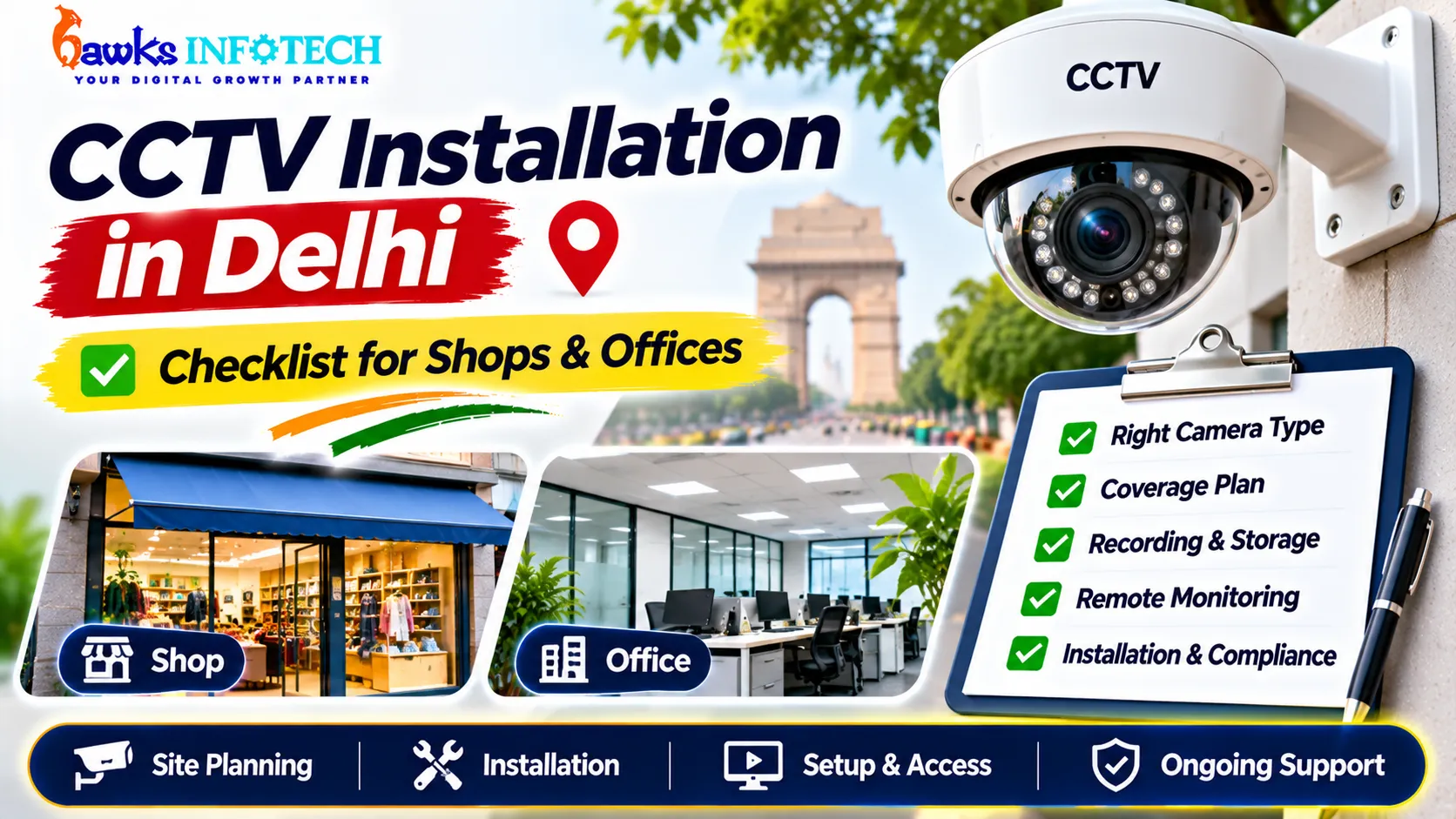
Installing commercial CCTV for shops, retail counters, and corporate offices in Delhi requires strategic camera placement covering entrance blind spots, cash drawers, and stockrooms, paired with dedicated surveillance hard drives delivering at least 30 days of continuous recording. Based on Hawks Infotech commercial installation records, turnkey CCTV packages in Delhi typically range from ₹13,500 to ₹22,000 for a 4-to-6 camera HD setup with concealed conduit wiring, DVR storage, and mobile live-view configuration.
The Cash Counter Standard
General wide-angle cameras blur currency notes. Cash counters require a dedicated 3.6mm or varifocal 5MP camera positioned within 1.8 meters to clearly record bill denominations and payment transactions.
Delhi Regulatory Compliance
Hawks Infotech installs commercial surveillance across retail and corporate premises in Dwarka, Janakpuri, Palam, Connaught Place, and South-West Delhi, ensuring compliance with local Delhi Police advisory standards.
Table of Contents
1. Pre-Installation Site Assessment & Blind-Spot Planning
A commercial security installation is only as effective as its site engineering. Unlike residential systems where casual monitoring is often acceptable, commercial establishments in Delhi face shoplifting, cash discrepancies, inventory leakage, and liability disputes. Rushing to install cameras without mapping lighting angles and physical pathways creates blind spots that compromise your entire security perimeter.
During a professional pre-installation survey, technicians map three critical factors:
- Backlight Compensation (WDR): Entrance doors facing bright Delhi sunlight will render visitors as dark silhouettes unless cameras feature true 120dB Wide Dynamic Range (WDR).
- Cable Conduit Pathways: Commercial properties require durable PVC or metal conduit casing to protect cabling from accidental damage, water leaks, and rodent gnawing.
- Power Redundancy: Connecting the central DVR/NVR and power supply to an office inverter or dedicated UPS ensures uninterrupted surveillance during load-shedding and power cuts.
2. Crucial Camera Locations for Retail & Commercial Spaces
Based on commercial security setups designed by Hawks Infotech across West Delhi retail markets, here are the essential camera zones every business owner must prioritize:
1. Main Entrance & Glass Frontage
Mount outdoor bullet cameras at eye-level height (approx. 2.4 to 2.8 meters) to capture clear facial profiles and timestamps for everyone entering and exiting the premises.
2. Billing & Cash Register Counter
Position a high-resolution 3MP or 5MP dome camera directly overhead, focused closely on the cash drawer and POS terminal to resolve banknote denominations and credit card handling.
3. Stockroom & Inventory Racks
Place wide-angle dome cameras at opposing diagonal corners of stockrooms and storage areas to monitor inventory movement, packing operations, and dispatch boxes.
4. Employee Workstations & Meeting Areas
Install unobtrusive dome cameras in open office floor plans and server rooms to track foot traffic, comply with client audit requirements, and protect sensitive hardware.
3. Selecting the Right Hardware: Dome vs Bullet, DVR vs NVR
Choosing appropriate camera form factors ensures both durability and effective coverage:
- Indoor Dome Cameras: Compact, aesthetically discreet domes are ideal for office ceilings, customer lounges, and sales floors. Their tinted polycarbonate domes make it difficult for onlookers to detect exactly which angle the lens is pointed toward.
- Outdoor Bullet Cameras: Robust, weatherproof IP67-rated bullet housings provide a strong visual deterrent along storefronts, parking lots, and loading bays. They feature longer infrared (IR) night vision distances (typically 20m to 40m).
- HD Analog (DVR) vs IP PoE (NVR): For small retail shops with 4 to 8 cameras and cable runs under 70 meters, HD analog systems (CP PLUS, Hikvision) provide exceptional value and reliability. For sprawling multi-floor corporate offices requiring AI facial recognition and digital zooming across large spaces, IP cameras with PoE NVRs provide superior scalability. Compare both options in our Wi-Fi vs wired CCTV comparison guide.
4. The 10-Point Commercial CCTV Installation Checklist
Before signing off on any commercial CCTV installation in Delhi, verify every item on this checklist with your lead installation technician:
- Surveillance Hard Drive Installed: Confirm that the drive is a genuine surveillance-rated drive (e.g., Western Digital Purple or Seagate SkyHawk), not a repurposed desktop hard drive.
- Continuous Circular Recording Verified: Verify that the DVR is configured for 24/7 continuous circular recording with automatic overwriting enabled.
- Camera Timestamps Synchronized: Ensure internal clocks and on-screen display (OSD) timestamps across all cameras match atomic internet time (IST) exactly.
- Night Vision IR Checked: Test every camera in zero-light conditions to ensure infrared illumination evenly covers the target area without center glare.
- Cables Encased in Rigid Conduit: Ensure all wiring runs through PVC casing or corrugated conduit, with no exposed loose loops accessible to passersby.
- Waterproof Junction Boxes Mounted: Check that outdoor camera connectors are sealed inside weather-proof IP65 boxes with rubber gaskets.
- DVR Physical Security Secured: Confirm the DVR is locked inside a ventilated steel lockbox or placed in a restricted server room away from public view.
- Mobile Remote App Configured: Verify remote live viewing and playback on the business owner's mobile phone over 4G/5G mobile networks.
- Default Passwords Changed: Ensure all factory default passwords (e.g., "admin/admin") are replaced with strong, unique credentials.
- Public Notice Signage Posted: Place clear signage stating "This premises is under 24-hour CCTV surveillance" at all public customer entrances.
5. Commercial Setup Cost Matrix in Delhi (Hawks Records)
Based on commercial installations executed by Hawks Infotech across Delhi NCR, here is an itemized breakdown of turnkey pricing:
| Commercial Package | Indicative Turnkey Cost | Recommended Facility | Hardware Included |
|---|---|---|---|
| 4-Camera HD Retail Setup | ₹13,500 – ₹17,500 | Pharmacies, boutique shops, cafes, neighborhood retail counters | 4x 2MP/3MP cameras (CP PLUS / Hikvision), 4-Ch DVR, 1TB WD Purple HDD, 8-Ch SMPS, 90m 3+1 cable, full installation |
| 8-Camera HD Commercial Setup | ₹22,000 – ₹29,500 | Supermarkets, restaurants, warehouses, mid-sized corporate offices | 8x 2MP/3MP cameras, 8-Ch DVR, 2TB surveillance HDD, 16-Ch SMPS, 180m cabling, junction boxes, installation |
| 4-Camera High-Definition IP PoE System | ₹24,000 – ₹34,000 | Corporate offices, legal firms, luxury retail showrooms | 4x 4MP/5MP IP PoE cameras, 4-Ch NVR with built-in PoE switch, 2TB surveillance HDD, Cat6 cabling, installation |
| Annual CCTV Maintenance Contract (AMC) | ₹2,500 – ₹5,500 / year | Existing commercial setups requiring scheduled servicing | Quarterly camera lens cleaning, BNC re-crimping, HDD health checks, power supply testing, priority call-out support |
6. Frequently Asked Questions (FAQs)
How many days of video recording is legally required for shops in Delhi?
Delhi Police security advisories strongly recommend maintaining at least 30 days of continuous recording for commercial retail establishments, restaurants, and financial counters. With modern H.265+ smart encoding, a 2TB hard drive comfortably stores 30 days of 4-camera Full HD video.
Can I view my shop's CCTV footage on my phone when I am traveling outside Delhi?
Yes. As long as your shop's DVR/NVR is connected to an active broadband connection via Ethernet cable, you can stream live footage and playback recorded events from anywhere in the world using dedicated mobile apps like gCMOB, Hik-Connect, or DMSS.
Does Hawks Infotech provide an invoice with GST for commercial tax credit?
Yes, all commercial security equipment and installation services by Hawks Infotech are billed with official GST tax invoices, enabling registered businesses to claim 18% Input Tax Credit (ITC).
Can cameras also record audio conversations at the cash register?
Yes. Modern cameras with built-in microphones record synchronized audio alongside video over standard coaxial or Ethernet cabling without requiring separate audio wires.
How long does a commercial 4-camera installation take to complete?
A standard 4-to-6 camera commercial installation typically takes 4 to 6 hours, including conduit mounting, camera alignment, DVR setup, and mobile app configuration. We schedule installations during early mornings or off-hours to prevent disrupting your retail operations.