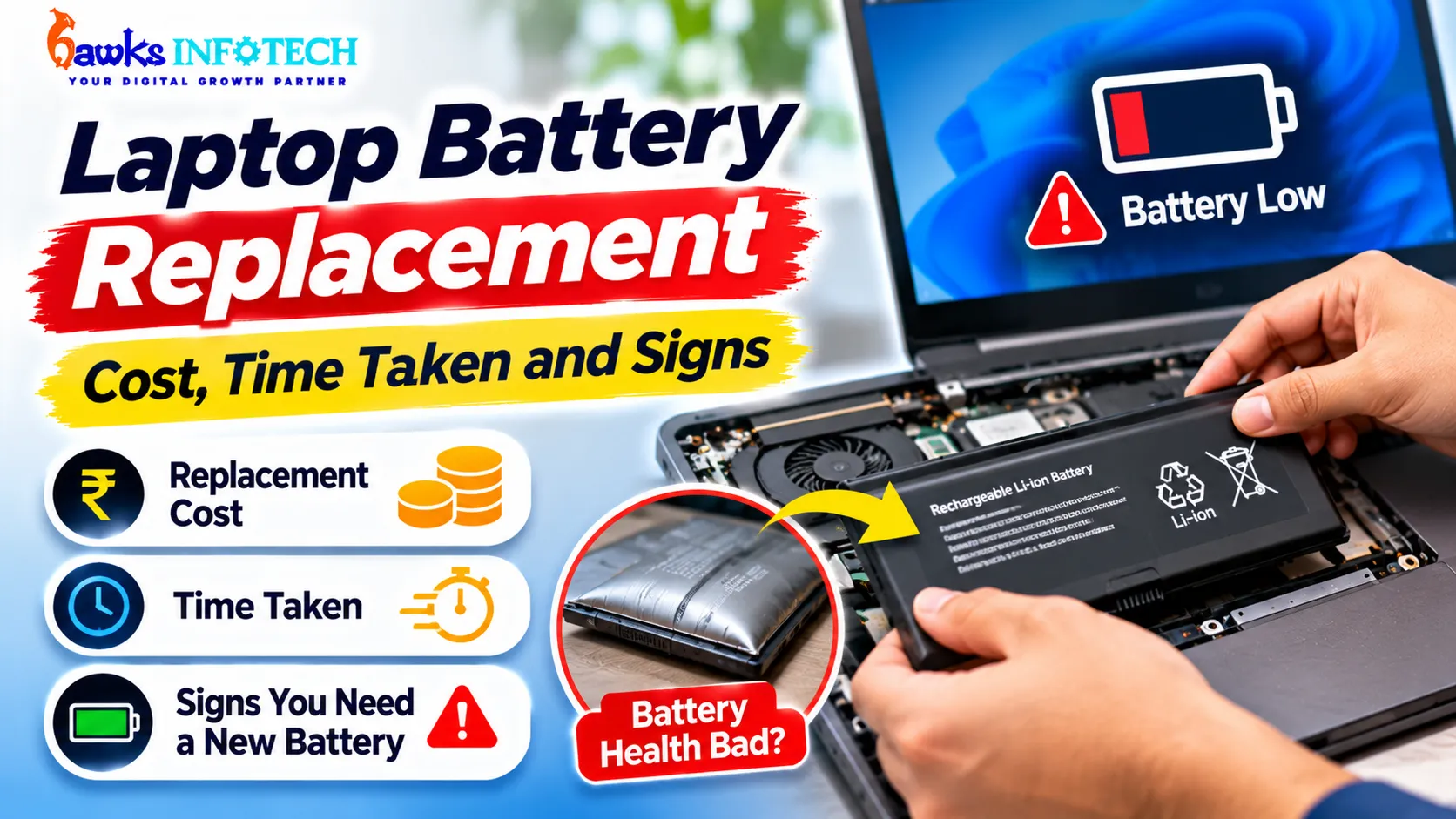
Laptop battery replacement in Delhi typically costs between ₹1,500 and ₹3,200 for standard Grade-A compatible batteries, and ₹3,500 to ₹6,500 for original OEM packs on premium gaming or ultrabook models. The physical replacement process takes approximately 30 to 60 minutes for internal screw-in batteries, while diagnostic verification takes under 15 minutes. Based on Hawks Infotech workbench records in Palam Colony, common warning signs that mandate urgent replacement include sudden shutdowns at 30% charge, rapid drain under 45 minutes, "consider replacing your battery" OS alerts, and chassis bulging caused by lithium pouch swelling.
The Swollen Battery Hazard
If your trackpad is lifting, clicking poorly, or the bottom chassis is bowing outward, your internal lithium polymer battery is expanding. Disconnect the charger immediately to avoid screen distortion and severe fire risk.
Bench Testing in Palam
Every replacement battery at Hawks Infotech undergoes charge-discharge cycle verification and cell impedance testing before installation. Direct walk-in service in Palam Colony and doorstep fitting across Dwarka and Janakpuri.
Table of Contents
1. 5 Critical Signs Your Laptop Battery Needs Replacement
Lithium-ion and lithium-polymer laptop batteries are consumable chemical components. Over 300 to 500 charge cycles (typically 2 to 3 years of daily use), the electrolyte breaks down, internal resistance rises, and energy storage capacity shrinks. Watch for these five warning signs:
- Sudden Shutdowns at 20%–40%: The battery percentage appears healthy, but as soon as the load spikes (such as opening a video conference or rendering graphics), the laptop instantly shuts off without warning. This happens when worn-out cells suffer voltage sag below the cutoff threshold.
- Severe Battery Runtime Decline: A laptop that originally ran for 5 to 7 hours now struggles to stay powered for 45 minutes on a full charge.
- Overheating While Charging: Excess heat radiating from the palmrest or bottom chassis during normal charging indicates degraded cell resistance converting electrical energy into dangerous heat.
- Windows Battery Alert Cross Icon: Windows displays a red 'X' over the battery taskbar icon with the explicit warning: "Consider replacing your battery."
- Physical Swelling & Stiff Trackpad: In modern ultrabooks, the battery sits directly beneath the touchpad. Expanding gases inside degraded lithium pouches push the touchpad upward, preventing clicks. If ignored, the pressure will crack the touchpad glass or snap palmrest screws.
2. How to Generate a Windows Battery Health Report
You do not need to guess your battery's chemical condition. Windows has a built-in diagnostic tool that reads data directly from the battery's micro-controller:
- Right-click the Windows Start menu icon and select Terminal (Admin) or Command Prompt (Admin).
- Type the command:
powercfg /batteryreport /output "C:\battery_report.html"and press Enter. - Open your C: drive and double-click battery_report.html in your web browser.
- Scroll to the Installed batteries section and compare two key numbers:
- Design Capacity: The original factory energy storage capacity (e.g., 42,000 mWh).
- Full Charge Capacity: What the battery can physically hold today (e.g., 18,500 mWh).
If your Full Charge Capacity has dropped below 50% of the Design Capacity, the battery is chemically exhausted and should be replaced. If your laptop refuses to charge entirely, review our troubleshooting guide on laptop not charging causes and fixes.
3. Battery Replacement Cost by Brand (Hawks Records)
Based on real customer replacements conducted at our Palam Colony workbench, here is an itemized breakdown of indicative laptop battery replacement prices in Delhi:
| Laptop Brand & Series | Battery Type | Grade-A Replacement Price | Warranty Period |
|---|---|---|---|
| HP (Pavilion, 14s, 15s, Envy) | HT03XL / TF03XL / JC04 3-cell Li-ion | ₹1,500 – ₹2,400 | 6 to 12 months replacement |
| Dell (Inspiron 3000/5000, Vostro, Latitude) | WN000 / YRDD6 / 42Wh / 56Wh Li-Polymer | ₹1,600 – ₹2,600 | 6 to 12 months replacement |
| Lenovo (IdeaPad 3/5, ThinkPad, Slim 3) | L16M2PB1 / L19M3PF5 / L14M2P21 | ₹1,550 – ₹2,500 | 6 to 12 months replacement |
| Asus & Acer (VivoBook, ZenBook, Aspire) | B31N1726 / AC14B18J / C21N1818 | ₹1,600 – ₹2,700 | 6 to 12 months replacement |
| Gaming Laptops (ASUS TUF, Lenovo Legion, HP Omen) | High-capacity 4-cell / 6-cell (70Wh – 90Wh) | ₹2,800 – ₹4,500 | 6 to 12 months replacement |
| Apple MacBook (Air & Pro Retina) | A1466 / A1989 / A2159 (Glued-in packs) | ₹3,200 – ₹5,800 | 6 to 12 months replacement |
4. How Long Does Replacement Take? (Shop vs Doorstep)
Replacement time depends on chassis construction:
- Standard Windows Laptops (HP, Dell, Lenovo, Acer): Most modern consumer machines use internal screw-secured batteries. Replacement takes 30 to 45 minutes at our Palam workshop, or during a doorstep technician visit to your home or office in Dwarka or Janakpuri.
- Ultrabooks with Glued Batteries (MacBooks & Ultra-thin PCs): In slim machines, battery packs are fastened to the aluminum palmrest with industrial adhesive tape. Disassembly requires specialized chemical solvent injection and gentle separation to avoid puncturing the cells. This precision procedure takes 1.5 to 2.5 hours.
5. How to Maximize Your New Battery's Lifespan
Once your new battery is installed, protect your investment by following these laboratory-verified battery care guidelines:
- Enable Battery Charge Limiting: In your laptop manufacturer software (Dell Command, Lenovo Vantage, ASUS MyASUS, or HP Support Assistant), enable "Battery Conservation Mode" to cap charging at 80%. Keeping lithium cells at 100% saturation 24/7 accelerates chemical aging.
- Avoid Deep Discharges to 0%: Never intentionally drain a modern lithium battery to 0%. Recharging from deep discharge stresses internal electrodes. Plug in when the battery reaches 15%–20%.
- Keep Cooling Vents Clear: Heat is the #1 destroyer of lithium cells. Never operate gaming or heavy productivity laptops on soft blankets or mattresses that block bottom air intake grilles.
6. Frequently Asked Questions (FAQs)
Is it safe to use a laptop while the battery is swollen?
No, it is strictly unsafe. Swollen lithium-polymer batteries can rupture or ignite if punctured, and the mechanical swelling can permanently deform the aluminum chassis, crack the trackpad, or snap internal motherboard screws. If your chassis is bowing, shut down the laptop, unplug the charger, and bring it to our Palam workshop immediately.
Can you replace an internal non-removable laptop battery at my home?
Yes. Our technician carries precision ESD-safe screwdriver kits, thermal paste, and replacement batteries for doorstep visits across Dwarka (Sectors 1–23), Janakpuri, Sagarpur, and South-West Delhi. Replacement takes around 45 minutes on your work desk.
What is the difference between an OEM battery and a Grade-A compatible battery?
OEM batteries are sourced directly from brand assembly partners and carry original branding. Grade-A compatible batteries use identical high-quality LG, Panasonic, or Samsung lithium cells and smart BMS protection boards, offering matching capacity and runtime at roughly 40% to 50% lower cost.
Will replacing my laptop battery delete my personal files or Windows installation?
No. Your files, programs, and operating system reside on the internal SSD or hard drive. Replacing the battery is an isolated power hardware swap that does not touch your storage drives or alter software settings.
What warranty do you provide on replacement laptop batteries?
All laptop batteries installed by Hawks Infotech come with a standard 6 to 12 months hassle-free direct replacement warranty against sudden cell death, failure to charge, or premature backup drop.