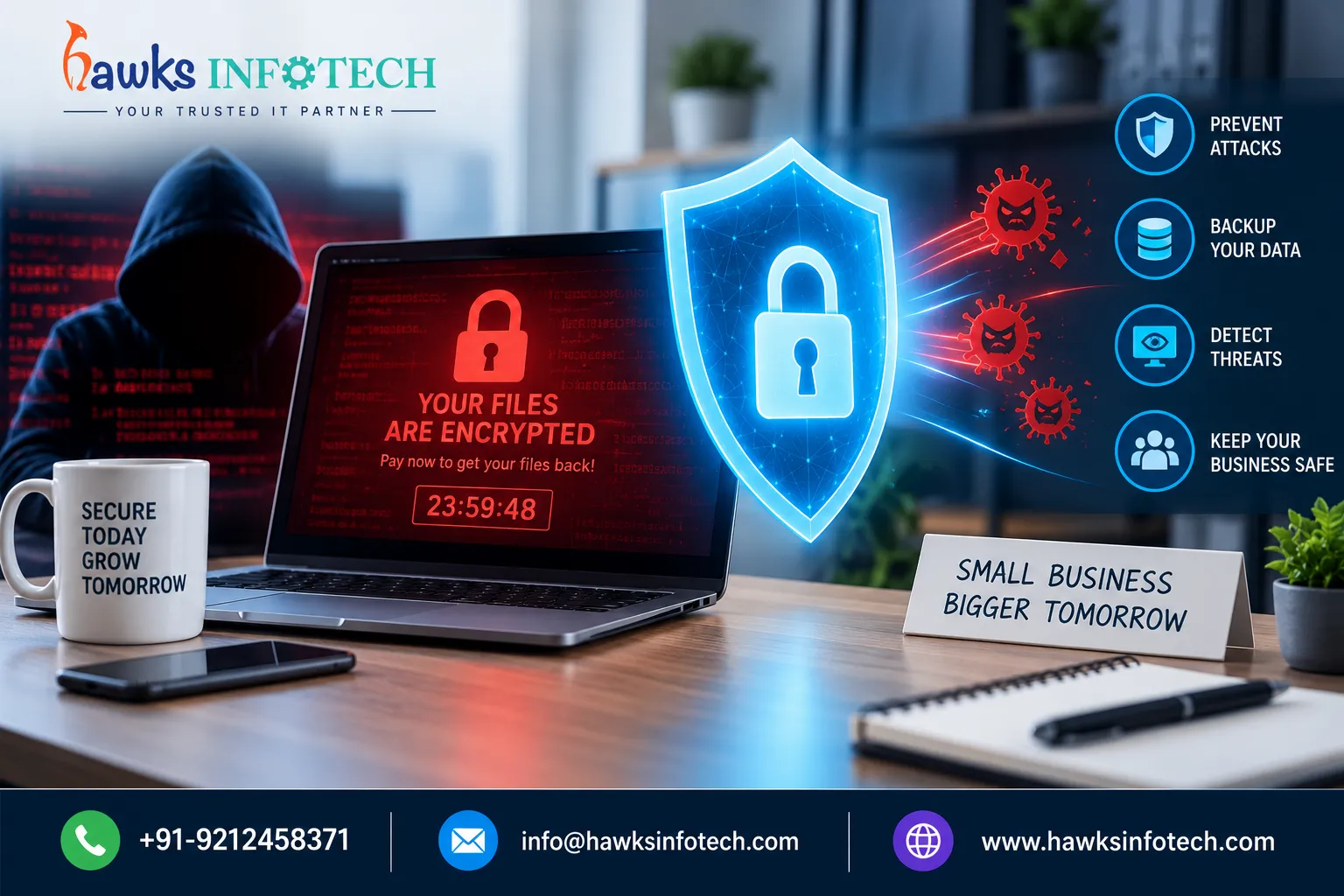
Small businesses are currently the primary target for modern ransomware syndicates. Cybercriminals know that SMBs often lack dedicated 24/7 security teams, making them vulnerable to automated extortion attacks. A single ransomware outbreak can paralyze business operations for weeks, result in catastrophic proprietary data loss, and cost millions in remediation expenses and regulatory fines.
Target Audience
Small business owners, operations managers, and IT administrators seeking an actionable, cost-effective ransomware prevention and recovery plan.
What You Will Learn
The primary ransomware attack vectors in 2026, how to build immutable backup air-gaps, and exact containment protocols if an infection is detected.
Supporting Deep-Dive Guide
Master Pillar: How AI Is Changing Cybersecurity in 2026
Quick Answer & Strategic Summary
Ransomware protection for small businesses requires a multi-layered defense: deploying Next-Gen Endpoint Detection and Response (EDR), enforcing multi-factor authentication (MFA) on all remote access ports, conducting weekly phishing simulations, and maintaining immutable (write-once-read-many) offsite cloud backups following the 3-2-1 backup rule.
Table of Contents
1 What Is Modern Ransomware and How Has It Evolved in 2026?
Ransomware is malicious software designed to lock, encrypt, and exfiltrate organizational files, databases, and system backups until an extortion ransom is paid. In 2026, ransomware operators employ 'triple extortion' tactics: encrypting business systems, threatening to publish confidential customer records on public leak sites, and launching DDoS attacks against the victim's web infrastructure.
Modern ransomware strains actively seek out network-attached storage (NAS) and unsegmented local backup drives to destroy disaster recovery restore points before initiating endpoint encryption.
2 Why Small Businesses Are Vulnerable to Ransomware Attacks
Over 70% of successful ransomware attacks target organizations with fewer than 250 employees. Attackers automate initial access through stolen Remote Desktop Protocol (RDP) credentials, unpatched VPN vulnerabilities, and deceptive invoice-themed phishing attachments.
For a small enterprise, the true cost of ransomware is downtime. Being unable to invoice customers, access inventory systems, or process orders for 10 to 14 days causes irreparable customer churn and financial insolvency.
3 The 5-Pillar Ransomware Defense Checklist for SMBs
Deploy Immutable Cloud Backups (3-2-1 Rule)
Keep 3 copies of business data on 2 different media types, with 1 copy stored in a secure cloud repository with Object Lock (WORM storage) enabled.
Enforce Multi-Factor Authentication (MFA) Across All Access Points
Require phishing-resistant MFA on all email accounts, VPN gateways, cloud portals, and Remote Desktop logins without exception.
Replace Traditional Antivirus with Behavior-Based EDR
Utilize Endpoint Detection and Response tools that monitor process memory and automatically terminate unauthorized encryption routines in real time.
Patch Critical Operating Systems & Network Devices Weekly
Maintain strict automated patch management for firewalls, routers, Windows/macOS endpoints, and third-party software like browser plugins and PDF readers.
Segment Internal Networks & Restrict Admin Privileges
Enforce the principle of least privilege (PoLP). Do not allow standard office workstations to run with local administrator rights.
4 Advanced Architectural Analysis & Deep-Dives
Immutable Backups: The Ultimate Ransomware Insurance Policy
Case Study: Rapid Recovery Without Paying a Rupee in RansomA medical diagnostics clinic in Gurgaon was infected with LockBit ransomware after an employee opened a poisoned supplier invoice. The attackers demanded ₹15 Lakhs to decrypt the patient management database. Because the clinic had implemented Hawks Infotech's automated immutable cloud backup system with daily point-in-time snapshots, engineers wiped the infected systems, restored the entire database to a clean virtual server, and resumed clinic operations in under 3 hours.
Securing Remote Desktop Protocol (RDP) & VPN Endpoints
Technical Hardening Guide for Hybrid WorkforcesExposing RDP port 3389 directly to the public internet is like leaving your office vault unlocked on the street. Businesses must place all remote access behind an encrypted VPN or Zero Trust Network Access (ZTNA) tunnel, implement IP whitelisting, and configure account lockouts after 3 consecutive failed login attempts.
5 Critical Pitfalls & Mistakes to Avoid
Backing up data only to an external USB drive that remains permanently connected to the network.
Assuming paying the extortion ransom guarantees a working decryption key or prevents data leaks.
Failing to regularly test backup recovery procedures to verify data integrity before an actual crisis.
Permitting employees to reuse personal passwords across work email and critical cloud applications.
6 Strategic Comparison & Technical Specifications
| Defense Component | Standard Vulnerable Setup | Hardened SMB Security Standard | Ransomware Mitigation Level |
|---|---|---|---|
| Backup Protocol | Local NAS / USB drive plugged in | Immutable Cloud WORM repository | 100% data recovery guaranteed |
| Endpoint Protection | Free/Standard consumer antivirus | Managed EDR with 24/7 behavioral monitoring | Blocks zero-day encryption execution |
| Remote Access | Open RDP 3389 port on public IP | Encrypted VPN / ZTNA with MFA | Prevents 95% of brute-force breaches |
| User Permissions | All staff have Local Admin rights | Strict Principle of Least Privilege (PoLP) | Restricts lateral ransomware spread |
| Incident Readiness | No documented response protocol | Tested Incident Response Plan & SLA | Reduces operational downtime by 90% |
7 Frequently Asked Questions (FAQs)
Should a small business ever pay a ransomware demand?
Cybersecurity experts and law enforcement strongly advise against paying ransoms. Payment funds criminal enterprises, provides zero guarantee of data recovery (over 40% of victims who pay never recover all files), and marks the organization as a paying target for repeat attacks.
How do ransomware attacks usually enter a small business network?
The top entry points are phishing emails containing weaponized macro attachments or links, brute-forced remote desktop (RDP) credentials, and unpatched vulnerabilities in internet-facing firewalls and routers.
What is an immutable backup and why is it necessary?
An immutable backup uses Write-Once-Read-Many (WORM) cloud architecture. Once written, the backup files cannot be deleted, altered, or encrypted by anyone—including network administrators or ransomware scripts—for a predetermined retention window.
How often should small businesses test their backup restores?
Businesses should perform automated integrity checks daily and conduct full sandbox disaster recovery restore drills at least once every quarter.
Explore Related Cybersecurity & AI Threat Defense Guides
Cluster HubHow AI Is Changing Cybersecurity in 2026 (Master Pillar)
How to Secure Your Office Wi-Fi Network from Unauthorized Infiltration
Employee Cybersecurity Training: What Should Staff Know?
8 Strategic Takeaway & Action Plan
Ransomware is a preventable operational disaster. By establishing proactive endpoint telemetry, enforcing least-privilege access controls, and anchoring your disaster recovery in immutable cloud backups, small businesses can achieve enterprise-grade resilience against modern extortion syndicates.
Ready to Upgrade Your Cybersecurity & Ransomware Protection?
Partner with Hawks Infotech for verified SLAs, certified engineers, proactive 24/7 monitoring, and high-performance execution in Delhi NCR and across India.