IT Support

Expert articles and technical strategies for IT Support

How to Recover Data from a Dead Laptop
IT Support

How to Recover Data from a Dead Laptop

To recover data from a dead laptop that won't turn on: first determine if the storage drive is removable (SATA SSD/HDD or M.2 NVMe). Remove the drive and insert it into an external USB enclosure, then plug it into a working computer to copy your files. If the laptop powers on but won't boot Windows, boot from a Linux Live USB to access the filesystem. For laptops with soldered storage (like modern MacBooks) or clicking mechanical drives, professional clean-room micro-soldering is required.

IT AMC Services: What Does an Annual Maintenance Contract Include?
IT Support Remote & On-Site Support Hardware & Software Support IT Consultation & Advisory

IT AMC Services: What Does an Annual Maintenance Contract Include?

An IT Annual Maintenance Contract (AMC) is a formal service agreement providing routine preventive maintenance, priority on-site and remote breakdown support, network and server health monitoring, hardware repairs, and software optimization for all office IT assets. Modern 2026 IT AMCs also include automated patch management, antivirus telemetry, and guaranteed emergency response SLAs.

Managed IT Support vs Hiring an In-House IT Team
IT Support Remote & On-Site Support Hardware & Software Support IT Consultation & Advisory

Managed IT Support vs Hiring an In-House IT Team

For most small and medium businesses (10 to 150 users), Managed IT Support delivers 40%–60% lower total cost of ownership compared to hiring an in-house IT team. An MSP provides a complete multidisciplinary team of cloud architects, cybersecurity specialists, and helpdesk engineers with 24/7 proactive monitoring and guaranteed SLAs, eliminating single-employee leave dependencies and training overhead.

Cloud Backup vs Local Backup
IT Support

Cloud Backup vs Local Backup

Local backup provides near-instantaneous multi-gigabit recovery speeds for large files but is vulnerable to physical disasters and local ransomware. Cloud backup provides offsite disaster immunity and automatic scalability but relies on internet bandwidth. The optimal strategy is a Hybrid Backup approach (3-2-1 rule): combining local NAS for fast operational restores with automated encrypted cloud snapshots for total disaster protection.

Why Every Business Needs Regular Data Backup
IT Support

Why Every Business Needs Regular Data Backup

Every business needs regular automated data backup because data loss is guaranteed over time through hardware breakdown, ransomware, human error, or natural disaster. Following the 3-2-1 rule—keeping 3 copies of data across 2 media types with 1 immutable offsite cloud snapshot—guarantees that your business can recover operations within hours instead of facing bankruptcy.

IT Support Checklist for Small and Medium Businesses
IT Support Remote & On-Site Support Hardware & Software Support IT Consultation & Advisory

IT Support Checklist for Small and Medium Businesses

A comprehensive IT support checklist for SMBs in 2026 requires auditing 6 core domains: Endpoint Hardware & OS Patching (quarterly health checks), Network & Wi-Fi Security (VLANs and firewall firmware), Automated Cloud/Local Backups (daily verification), Cloud & SaaS Access Management (MFA and license offboarding), Cybersecurity Telemetry (EDR and spam filtering), and IT AMC/Vendor SLAs.

Employee Cybersecurity Training: What Should Staff Know?
IT Support

Employee Cybersecurity Training: What Should Staff Know?

Effective employee cybersecurity training must focus on 5 essential pillars: recognizing AI-generated spear-phishing and invoice scams, mastering password managers and multi-factor authentication (MFA), understanding physical and remote work hygiene, identifying executive impersonation deepfakes, and following immediate, blame-free incident reporting protocols.

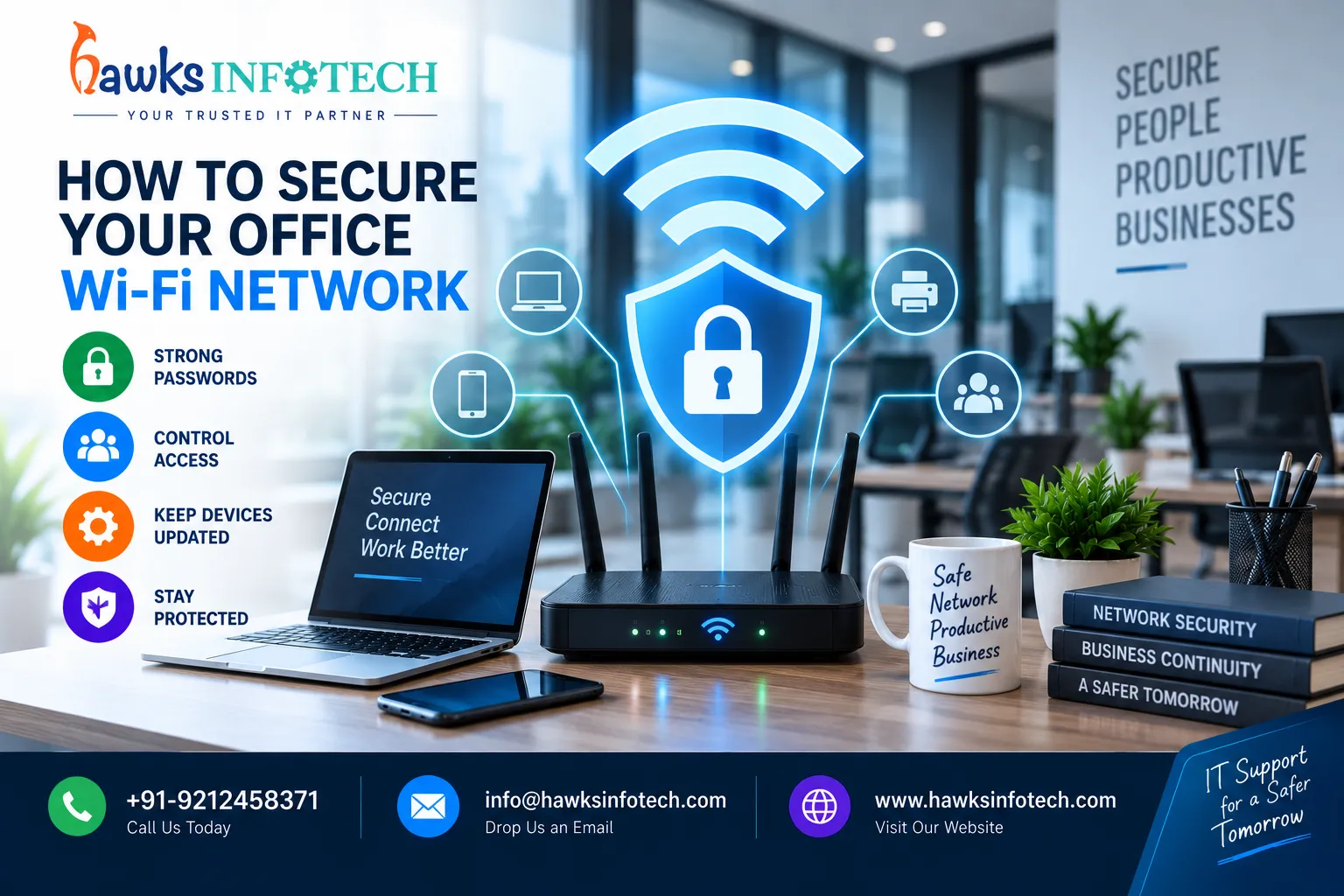
How to Secure Your Office Wi-Fi Network
IT Support

How to Secure Your Office Wi-Fi Network

Securing your office Wi-Fi requires upgrading to WPA3-Enterprise encryption with 802.1X RADIUS authentication, isolating guest and IoT devices onto separate Virtual LANs (VLANs), disabling WPS and remote router management, hiding or securing SSID broadcasts, and conducting periodic wireless rogue access point scans.

Chat on WhatsApp Call Us Now

Talk to an Expert